
See It In Action · For volunteers
Shift-Level Volunteer Signup
Volunteers pick exact shifts, see live open spots, and sign up in seconds.
How it works
The flow, step by step.
Open a project
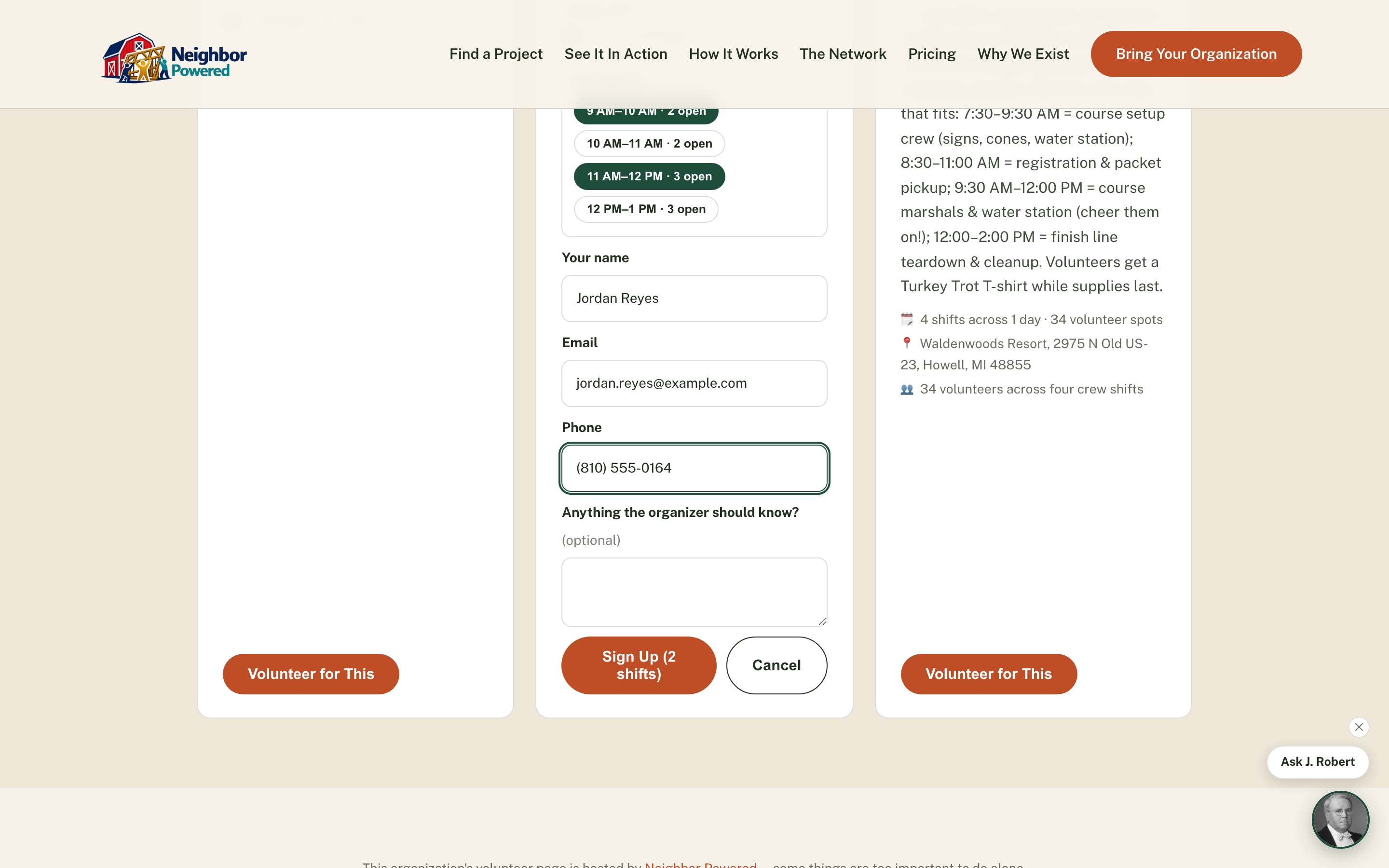
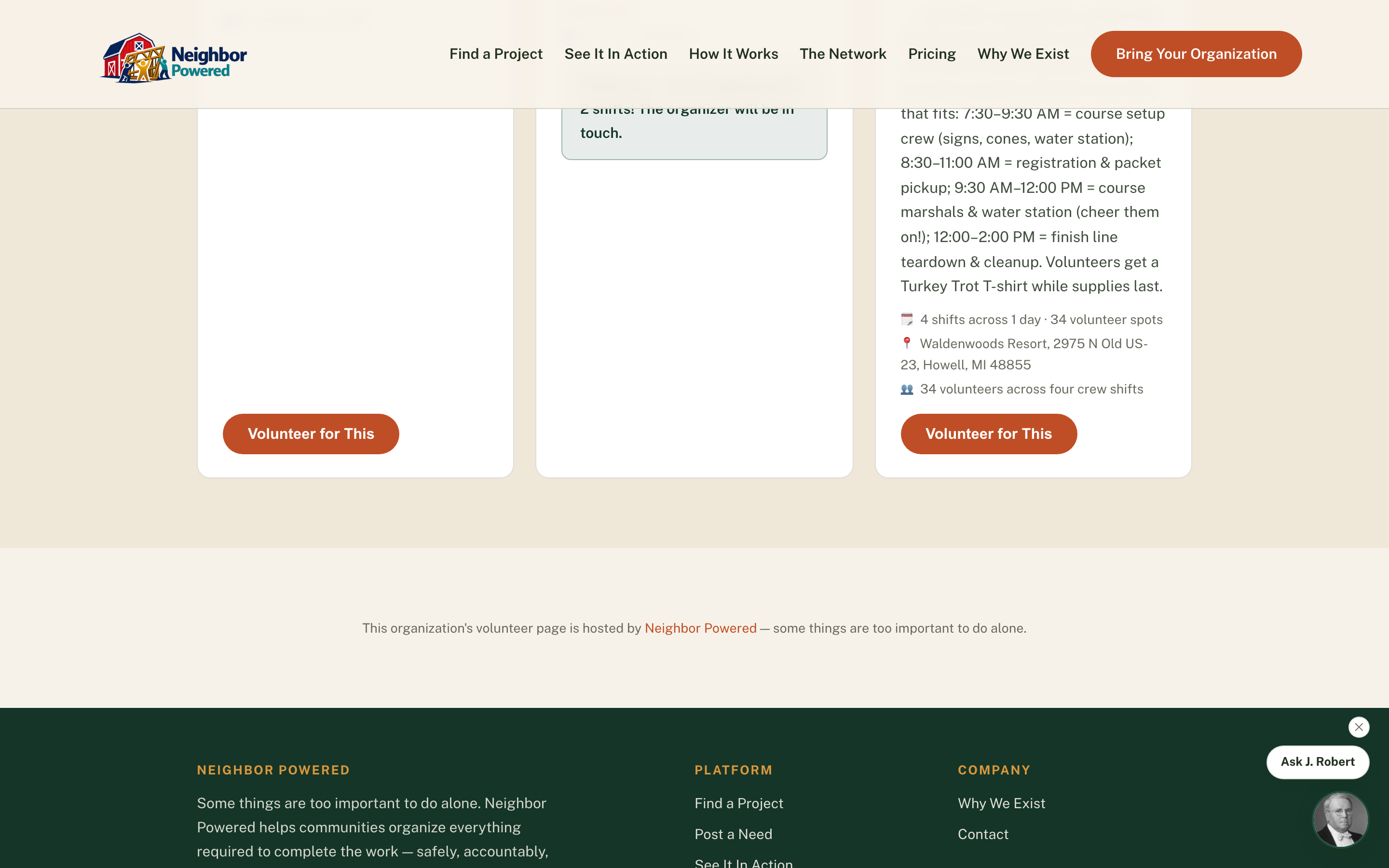
"Volunteer for This" expands the shift picker right on the card — no separate page, no account to create.
Pick one or more shifts
Shifts are grouped by date with live remaining-spot counts; a shift that just filled up disables itself instead of accepting a signup no one can honor.
Confirm with name, email, and phone
Phone is required, not optional — organizers need a real way to reach a volunteer before and on the day of the project.
Why it matters
Capacity is enforced at the database level with a conditional insert, so two people racing for the last spot can't both win it — organizers never show up to find they're double-booked, and volunteers never get a shift that was quietly already full.